
Prepare the models
You need Linux, Python 3.12 or newer,uv, and an NVIDIA GPU with CUDA and BF16 support.
Keep the repository’s pinned Torch, Transformers and FlashInfer versions. Run the commands below from the PhyAI repository root:
config.json, unis.tiktoken and unis_vision_tokens.txt.
The Emu3.5-VisionTokenizer directory must contain its configuration and model weights.
The text tokenizer uses tiktoken, which is installed with phyai-utils-tools.
Generate an image
Check GPU availability withnvidia-smi, then run:
outputs/u0-teapot/image.png to view the result. To use another prompt, change --prompt and choose a new or empty --output-dir.
PHYAI_FLASHINFER_WORKSPACE_BYTES=536870912 sets a 512 MiB workspace for FlashInfer.
The default 128 MiB workspace is too small for this full-image configuration. Budget for the workspace alongside model weights and KV caches.
A complete image needs 4169 output tokens; keep --max-new-tokens at least this large.
The script first generates tokens, closes the autoregressive engine, then loads the image decoder. The two models use GPU memory in separate stages.
Read the output
The output directory contains:
A completed generation reports
stop_reason: "eos" and generated_tokens: 4169 in generation.json.
The script checks the visual-token stream before decoding it.
Check tokenization
Use--prepare-only to inspect the prompt tokens without loading model weights:
Generated examples
These examples were generated on NVIDIA Thor with seed 42 and CFG scale 3, using FlashInfer and the native PhyAI decoder. Use each prompt in the generation command above and choose a separate output directory.Ceramic teapot
Prompt: A studio photograph of a ceramic teapot on a wooden table.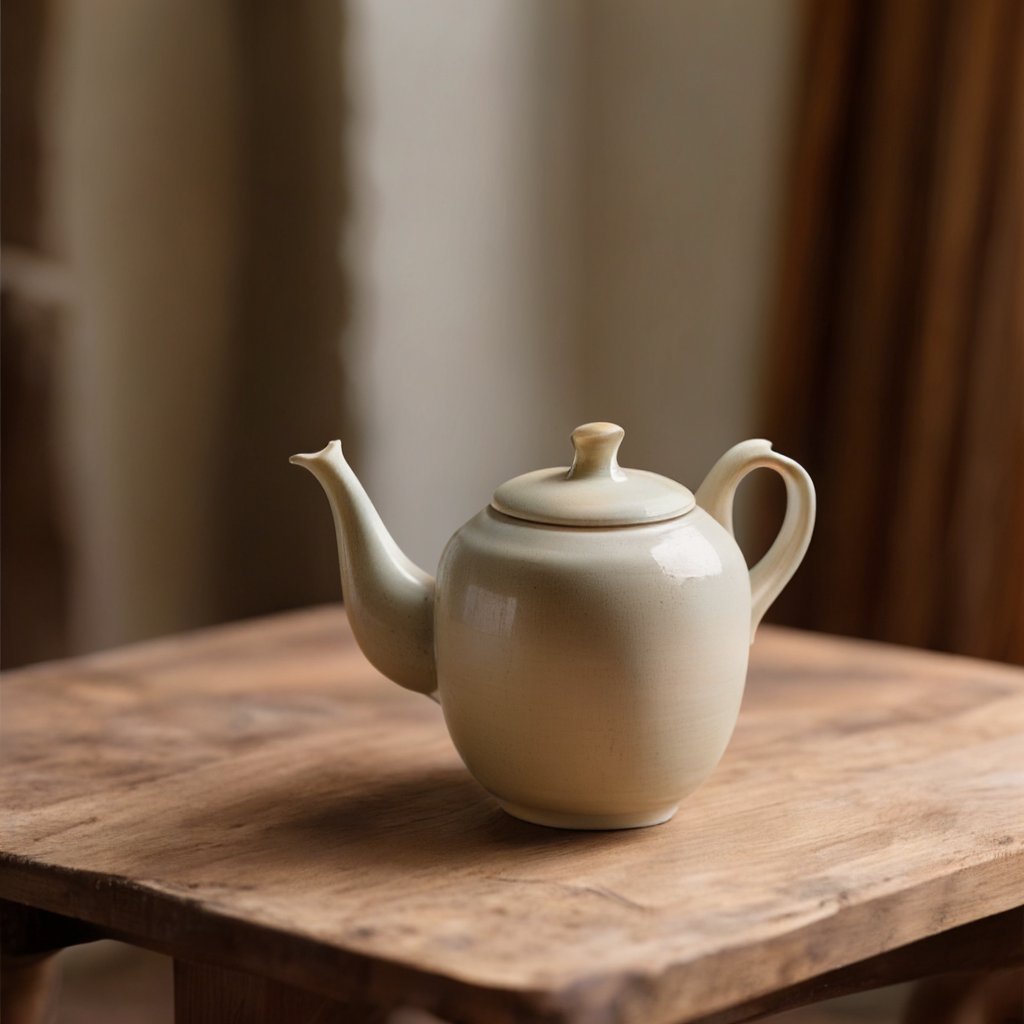
Inspection camera
Prompt: A compact industrial inspection camera on a brushed steel workbench, precise studio lighting.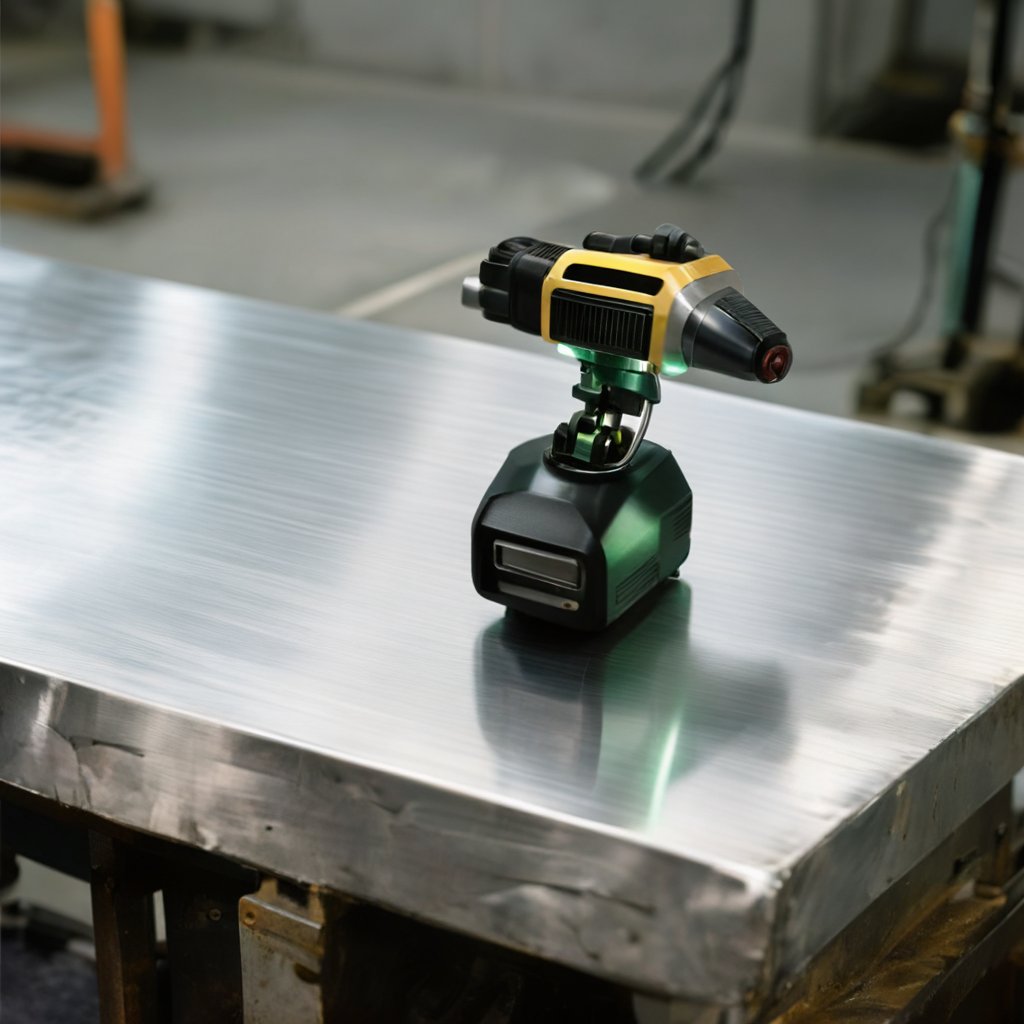
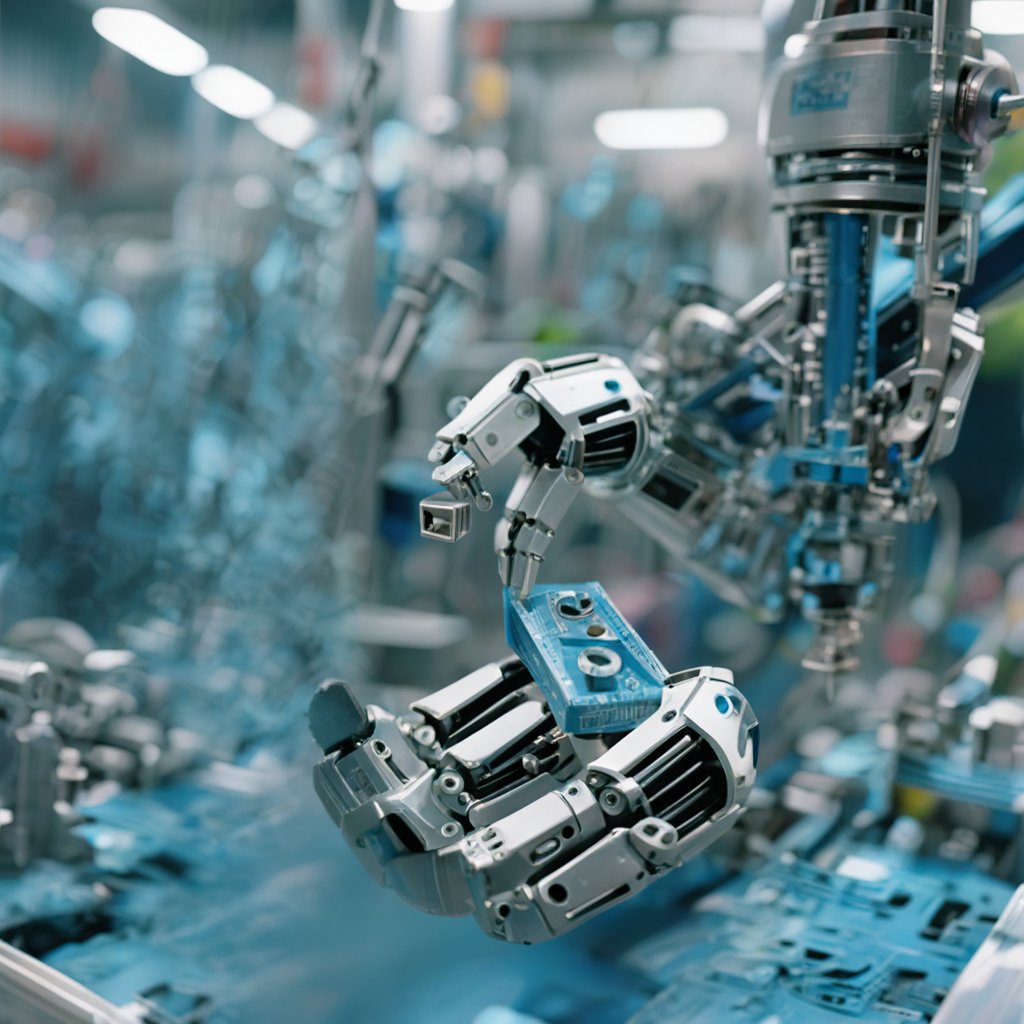
Robotic gripper
Prompt: A robotic gripper holding a small metal component on an assembly line, realistic industrial photography.